We began the session with the N levels designs.
Chris had found NED (the N level editor) easier to use than he expected, and was able to realize his map. However, he wasn’t able to figure out how to play his level once he had designed it, and consequently when we playtested it together the N character died in an expected way. This led to a discussion on how playtesting was such an integral part of level design, not to mention fun. Chris said he’d work on his level now he knew how to playtest it and that we could give him feedback next session.
Marc’s level was up next, and he said that he was chiefly inspired by the heat seeking missiles. He had made a previous level that was too hard and consequently removed an enemy or two to make it more fun. Jim played it several times, dying quickly, and Marc noted that the impatient “start again” button pushing was a good sign that it was engaging. Chris then played it a few times and was able to beat it.
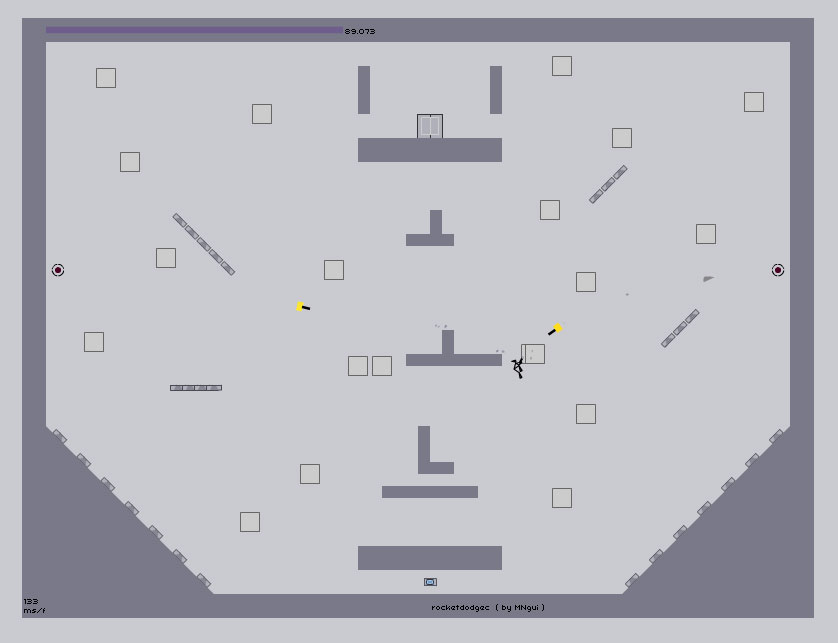
Both Chris’ and Marc’s levels had elements of the DDA (Don’t Do Anything) style of maps (where the physics and the Ninja do all the work and the player doesn’t have to do anything) combined with Action style where the player has to run and evade enemies.
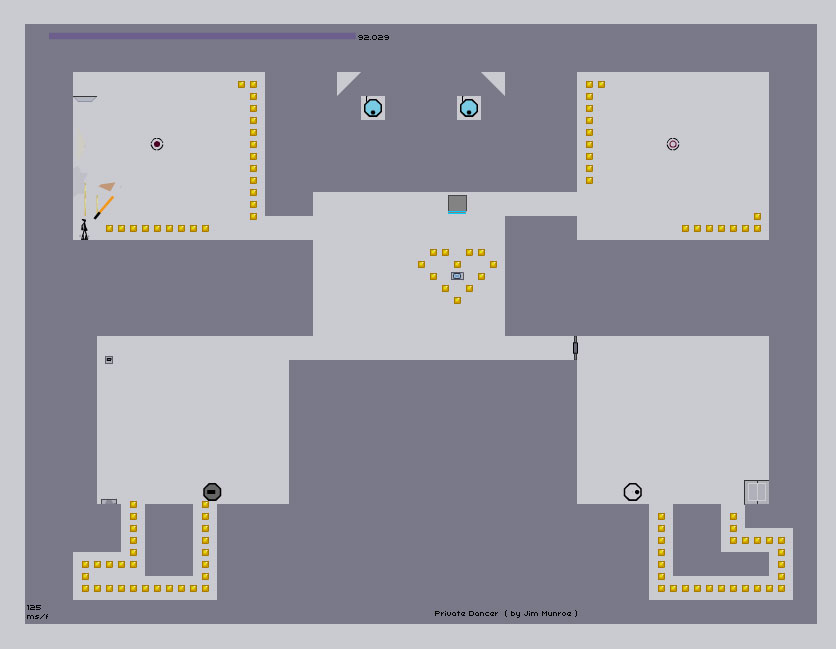
Jim’s level was more action oriented. He said he decided to start with a filled up map where he was able to carve out a map rather than starting with a blank map, since that was as intimidating as a blank page. He started by doodling a shape of a dancing crab creature and then adding a gold heart around the action triggers. He found that once he got the basic things working, he wanted to add more and more enemies until it was fun for him to play. He realized it was going to be frustrating for a complete novice but he wanted to create a level that was engaging for himself.
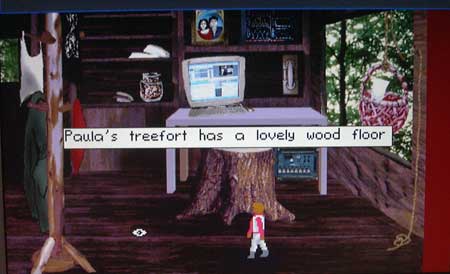
Emily did a show and tell for the previous game project she’d been working on. It had been programmed with an opensource language called Slashcode that ran off a webserver, so she wasn’t able to show off a standalone demo. She did have the assets — the story narrative and the graphics — so we were able to get a sense of the direction they were going with the game. It was meant to be an adventure game along the King’s Quest style, with a central image for each location and a text input. As it progressed they realized they could also do point and click style too, which they implemented.
Having a very flexible programming language meant that they could change from text input to point and click, but this also left them with having to rewrite or rethink a lot of the game — the flexibility actually made progress more difficult in some ways. When they tested the game people had a hard time giving the “correct input” that triggered the reward or progression in the game. Emily also was unaware of the many tools with fully developed parsers that would have made her text input handling much easier than writing one from scratch.
This segued nicely into a demo of the Inform 7 game design system. Inform 7 compiles natural language code into a working text game. Jim had a sample game he’d started as an example of how it worked, specifically how it handled graphics — the game was able to display jpgs when you entered a new room, or examined an object. It also had the advantage of being able to be deployed via the web as a java app. However, when Jim went off script and tried to write a game on the fly, the compiler threw up errors and it was obvious that the “natural language” was fairly rigid in its requirements. This put people off of it, as well as the fact that while it may not be code, it was still a lot of text.
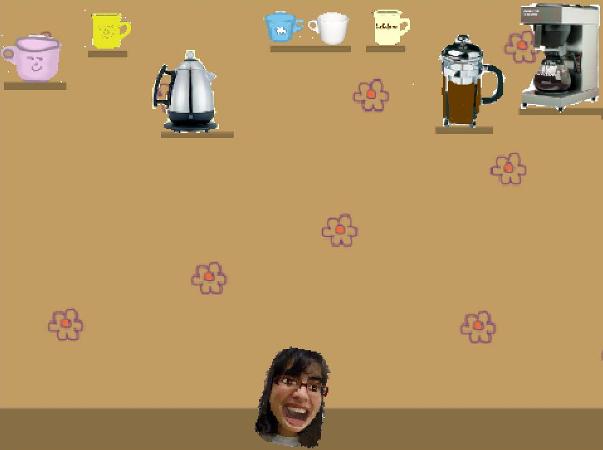
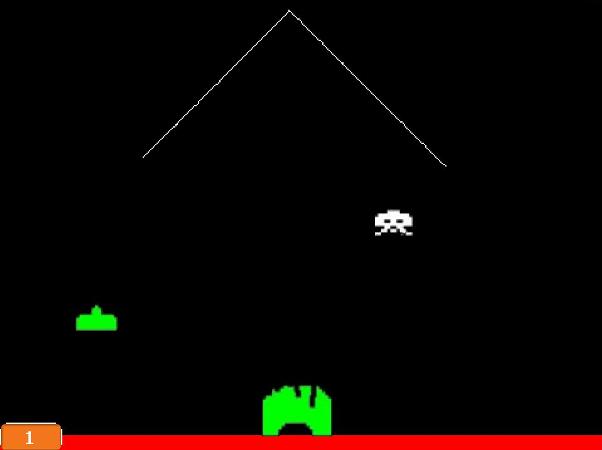
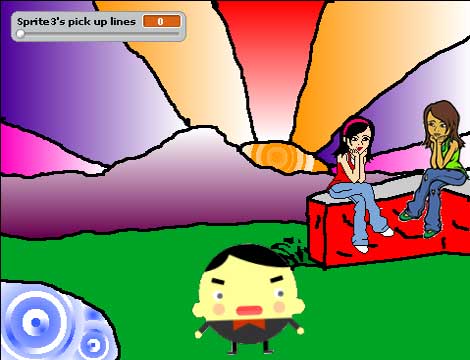
Far more popular was Scratch. Upon loading up the graphical interface, people reacted positively — it’s very approachable. Jim showed how the cat can be made to dance, how Emily’s graphics from her previous game can be brought in, and how a sprite can be moved left and right with the arrow buttons. Emily asked if the legs would have to be separate to make them look like they’re moving realistically, and Jim explained that by swapping out different “costumes” for the sprite, animation would give that illusion. Then he showed people a few of the demo games included with it — the pong clone, and then the fish eating game. He showed how the collision detection was implemented by a simple “when colour x hits colour y” command and people found that interesting — these simple games reveal a lot of the tricks game makers use.
This week’s assignment was to mod one or two of the games in the Scratch system — changing the graphics, sounds or behaviours to make a better game. People were quite excited about this.
Jim then demoed a game made by Game Maker called Johny’s Nightmare. Although it’s unlikely the Mac-centric group will be using the PC-only Game Maker system, it was interesting to see a more innovative game made by a point and click system. Emily was impressed by the game’s Little Prince-esque cartoon art, and the “shadows” left behind when you died at a certain point; Marc liked the strange artifacts left as the character slid along the ground. Jim appreciated the pacing of the environment — the gameplay was very simple but there was constantly new and surreal elements scrolling into view.
Posted September 6, 2007 by jim |
The first session of the Artsy Game Incubator began with introductions by the four members.
Emily Pohl-Weary is a writer who’s very interested in visual storytelling: recently she’s written for comics and movies. Despite this experience, an attempt at making an adventure game with Sally McKay a few years back was not completed: it became a large and unwieldy project, and it was difficult to deal with the varieties of text input without any framework or engine. However, she liked many aspects of the collaboration — basing her “sassy detective” on a mutual friend gave it a flavour of its own.
Chris McCawley is an actor and director who is an avid fan of FPS videogames but with no technical prowess to make his own games. A while back he and other entertainment professionals put together “what amounted to a TV show bible” for a couple of game ideas, and brought them around to several game companies in an attempt to break into the field. No one took them up on them, and a candid comment of a friend who worked in the game industry said that “unless you’ve been programming at a company for fifteen years, forget it” — kind of a pay-your-dues mentality.
Marc Ngui is an illustrator and graphic novelist who is excited about the art and storytelling potential of gamemaking. With Jim Munroe, he conceived and created an animated demo of a simple Flash/Java game that had two sets of programmers take on and then drop the project over a two or three year period.
Jim Munroe, the coordinator, has been able to collaborate with various people to make movies, graphic novels, and audio dramas. Programmers — either because they don’t travel in the same circles, are busy with their own game making, or program all day at their well-paid day jobs — have not been easy to connect with. He did make an interactive fiction game called Punk Points on his own for the Interactive Fiction Competition in 2000, but feels like he could do a better job the next time around with making it less frustrating and more fun.
Discussion About N
The members had all played N for a half-hour previous to coming to the session. Emily found it very frustrating, and said it reminded her how she found run and jump games stressful. Chris, as an experienced twitch gamer, said that he had to adjust back to the 2d style, and that he also found it very difficult but that he got hooked on the Pinball level. Marc said that he liked the feel of how the character moved and that it made it feel like Spiderman, and Jim loved its elegant simplicity and the multiple deaths required to master a level — the old school approach. It opened up an interesting discussion on the frustration-satisfaction tension in game design.
Tool Demo
Using a pencil and paper sketch Chris had made, Jim started to build a level in the N level design application. He talked through while he was doing it, mentioning that while it was a point and click tool and very well documented there were some counter-intuitive parts that took some getting used to. But the most complicated part — cutting and pasting the string into the user level txt file — was something Marc and Chris liked, saying it was kind of “behind-the-scenes, programmer stuff”.
Show and Tell
Jim had Chris play Everyday Shooter by Queasy Games, and he nearly passed the second level on his first try (!). Everyone admired the art and musical interaction and Emily liked that you weren’t shooting aliens or other creatures.
Jim also showed a couple of Klooni games, the amazing one-game-a-month project by a Finnish computer student. People were impressed by BBQ and the Cow one, but Crayon Physics had everyone oohing and ahhing. Marc played it for a good ten minutes while we watched on. Then Jim fired up the PS2 to show off Persona 3, a Japanese game where you play a school boy who invokes a battle beast by putting a gun to his head and pulling the trigger. Everyone agreed it was bizarre.
Next Week’s Assignment
Each member is going to design an N level by following the excellent tutorial and we will play them next session. Although it was pointed out she could design a puzzle (rather than action) level, Emily opted out and offered instead to share some of the graphics and assets they’d created for her previous stalled adventure game project. Everyone was fine with this.
Posted August 30, 2007 by jim |
« Previous Page